Insert picture in messages
Insert a picture in a standard email signature
- Go to SETTINGS – SYSTEM SETTINGS and select “photo”.

- Upload the photos you wish to use to the local picture archive.
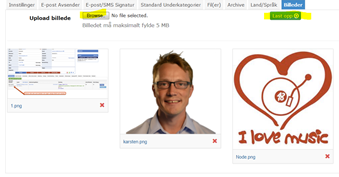
- Right click on the photo and select “copy link address”.
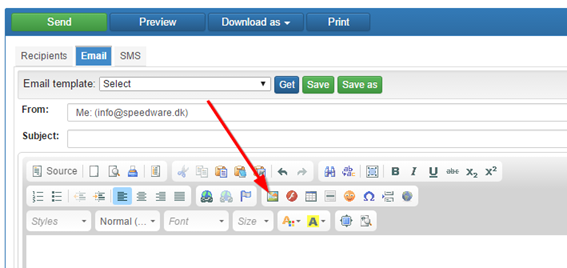
- Go to MESSAGES and select or create your message. Click the image icon.
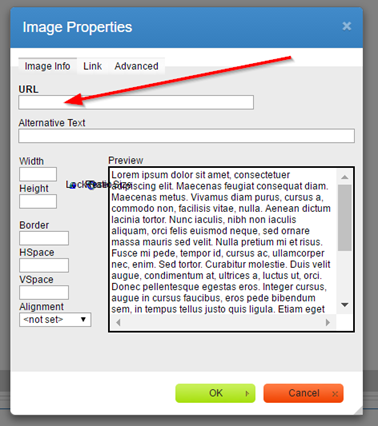
- Insert the address into the URL and click OK.